Format, convert, and validate your data in seconds.
Format JSON, convert YAML to and from JSON, convert CSV to and from JSON, convert between Markdown and HTML, and turn a PDF into Markdown — all in your browser. No signup, no upload, no data leaves your machine. Pick a tool below and get your result in seconds.
All converters
Convert JSON, YAML, CSV, Markdown, HTML, and PDF without uploading data
No upload required
Pasted text is processed inside your browser and never sent to our servers for conversion. Format internal data, API responses, and configs without handing them to an external tool.
Convert across six formats
Move between the major developer formats on one site. CSV to JSON, JSON to YAML, Markdown to HTML — and back the other way. Pull the text out of a PDF and get Markdown. No more juggling single-purpose tools.
Same conversion on web, Chrome, and CLI
The browser app, Chrome extension, and npm CLI (formatarc) share the same conversion core. Format in a tab, automate with the CLI when you need to. Open source under the MIT License on GitHub.
Latest from the blog
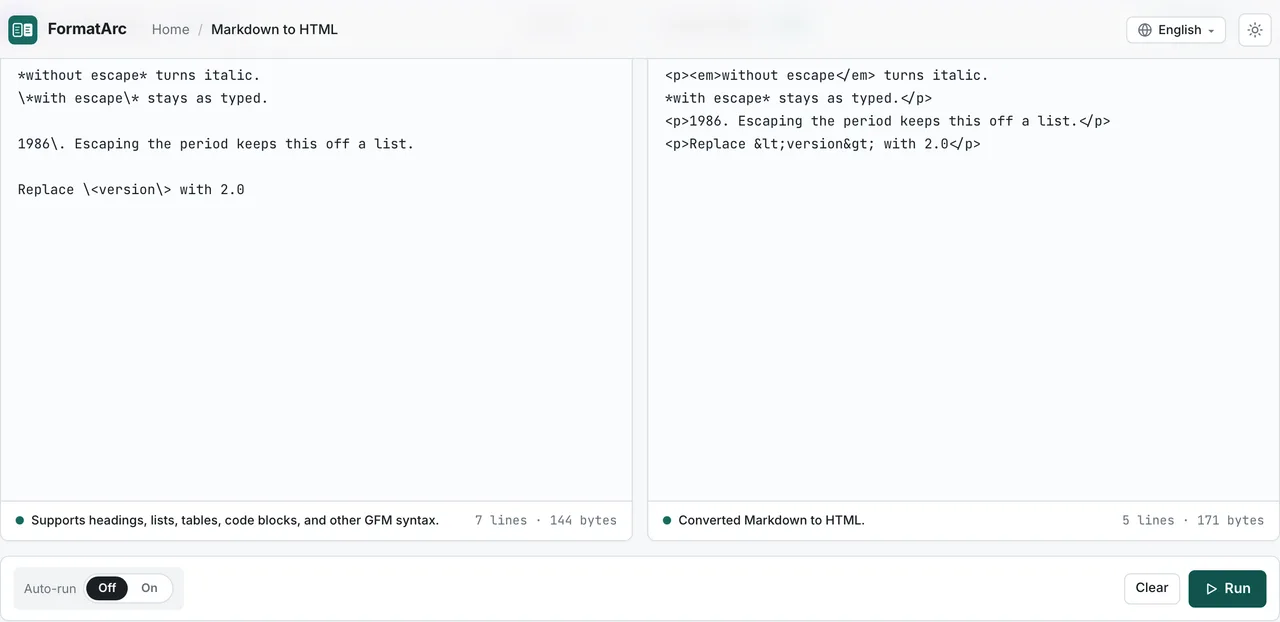
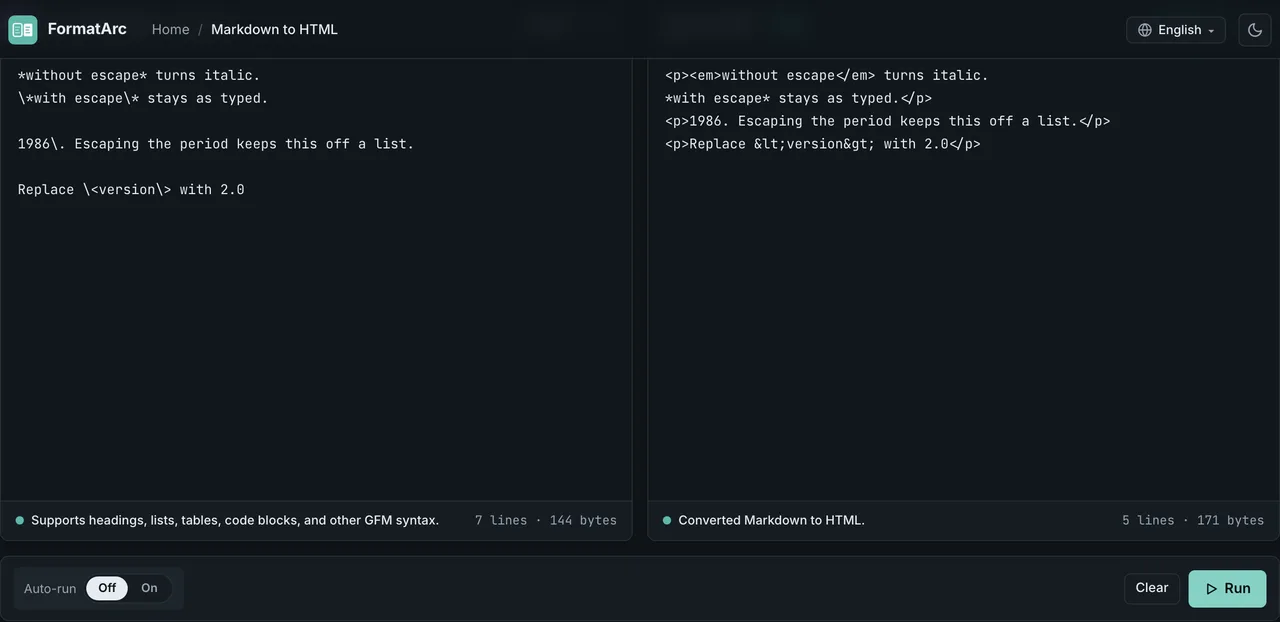
Markdown Escape Characters: Pipes, Tables & 23 Tested Cases
Escape pipes, asterisks, and angle brackets in Markdown — including pipes inside table cells, where an unescaped one silently drops data. 23 cases tested against GitHub, marked, remark-gfm, and strict CommonMark.